The best AI image generation tools in 2026 are ChatGPT, Midjourney, Adobe Firefly, Ideogram, Leonardo AI, Flux AI, Stable Diffusion, Canva AI, DreamStudio, and Recraft AI. These tools allow users to create high-quality images from text prompts for marketing, social media, graphic design, gaming, education, and business.
The world of digital creativity has changed dramatically with the rise of 2026 AI tools for image generation. From artists to marketers, content creators to small businesses, AI-powered design solutions are helping people create stunning visuals within seconds.
Whether you want to design a poster, generate a realistic photo, or craft unique digital artwork, text-to-image AI platforms can turn your simple ideas into professional results. But with so many AI tools available, which ones are worth your time and money?
If you’re also looking to improve your website’s search visibility, explore our guide to the Best AI SEO Tools that help with keyword research, content optimization, technical SEO, and ranking analysis.
In this guide, we’ll explore the best 5 AI tools for image generation in 2026, compare their features, pricing, and ideal use cases, and help you pick the right AI tool tailored to your creative or business needs.
⚡ Quick Verdict: What is the Best AI Image Generator?
If you want the absolute best quality and photorealism, Midjourney is the top choice, closely followed by Flux. For pure ease of use and quick illustrations inside a chat interface, DALL·E 3 (via ChatGPT) is the best for beginners. If you need a completely free, open-source, and customizable option, choose Stable Diffusion. For instant marketing and social media graphics, Canva AI and Adobe Firefly are the ultimate professional solutions.
AI image generators are just one category of modern AI software. If you want to discover tools for content creation, SEO, social media, email marketing, automation, and analytics, read our complete guide to the Top AI Tools for Digital Marketing.
Why AI Image Generators Are Popular in 2026
AI-generated visuals are everywhere—social media ads, digital art galleries, product mockups, and even book covers. The popularity of these tools has grown because:
- Accessibility: Anyone can use them, no design background required.
- Creativity boost: Turn text into art with text-to-image AI platforms.
- Speed: These platforms can generate high-quality visuals in seconds, saving you hours of manual design work.
- Cost-effectiveness: No need to hire expensive designers for basic tasks.
- Versatility: From cartoon styles to photorealistic images, AI adapts to your needs.
And with prompt engineering evolving, prompt-based image AI software has become smarter than ever, allowing precise control over styles, emotions, and compositions.
Related Article: “Best” AI SEO Tools | Update for Future
Best 5 AI Tools for Image Generation in 2026
1. MidJourney – Best for Artistic Creations
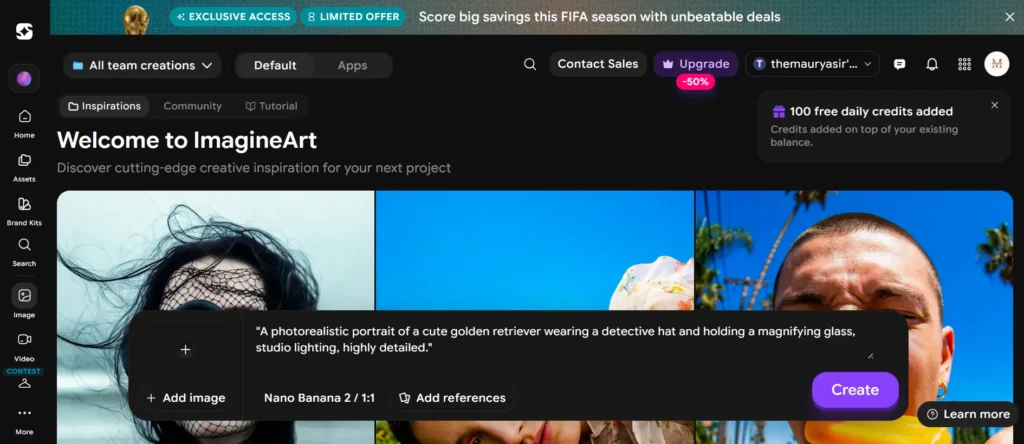
MidJourney is one of the most recognized names in AI art. Known for its high-quality, dreamy, and artistic outputs, it’s widely used by digital artists, game designers, and concept creators.
- Strengths:
- Unique, stylized visuals.
- Great for fantasy, surreal, and artistic images.
- Strong community support on Discord.
- Weaknesses:
- Requires a Discord server to use.
- Not ideal for beginners.
How to Use It & What to Expect:
Midjourney doesn’t have a traditional website interface. To use it, you need a free Discord account. Once you join their official Discord server, you generate images by typing the /imagine command in dedicated “newbie” chat rooms. The tool then generates four unique variations based on your prompt, which you can upscale (U) or create variations (V) of.
Best Used For: High-concept digital art, fantasy landscapes, book covers, and highly stylized portraits where artistic aesthetics matter more than strict photorealism.
👉 Why it stands out: Midjourney remains a top choice for creators looking for unmatched artistic creativity and a truly unique visual style.
2. DALL·E (OpenAI) – Best for Beginners
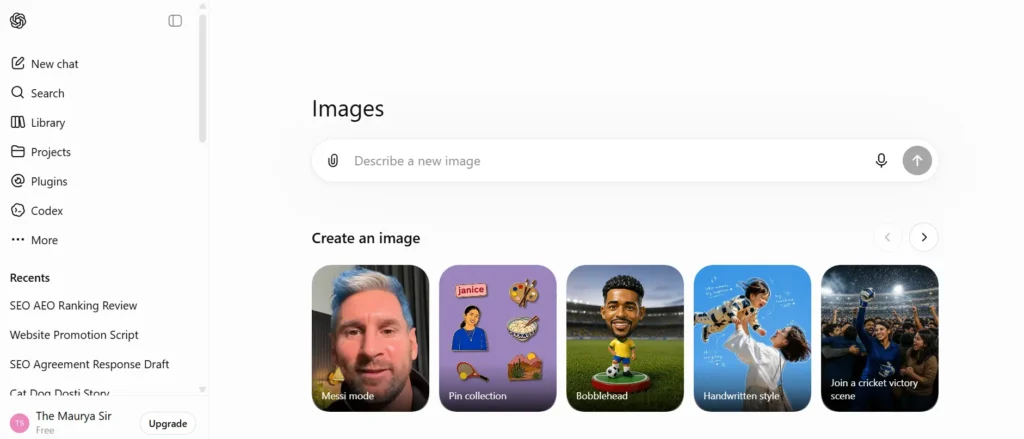
DALL·E is another leading 2026 AI image generator, integrated with ChatGPT. It allows anyone to generate images with simple prompts.
- Strengths:
- Seamless integration with ChatGPT.
- Beginner-friendly.
- Excellent at realistic and abstract concepts.
- Weaknesses:
- Limited editing options compared to others.
- Requires credits for high usage.
How to Use It & What to Expect:
Since DALL·E 3 is fully integrated with ChatGPT, using it is as simple as having a conversation. You don’t need to write complex technical prompts; you can just tell ChatGPT, “Draw a cute cat wearing sunglasses,” and it will automatically rewrite a detailed prompt behind the scenes to generate a high-quality image. You can also ask ChatGPT to make specific edits to the image it just created.
Best Used For: Beginners, bloggers, and content creators who want quick, highly accurate representations of complex ideas without learning prompt engineering.
👉 Our Take: If you want a quick, web-based image generator that requires zero technical skills, DALL·E is your best bet.
Beyond image generation, ChatGPT is also widely used for SEO tasks such as keyword research, content planning, meta description writing, schema markup creation, and content optimization. If you want to learn how ChatGPT can improve your search rankings and streamline your SEO workflow, check out our detailed guide on What is ChatGPT and Its Importance for SEO.
3. Stable Diffusion – Best for Customization
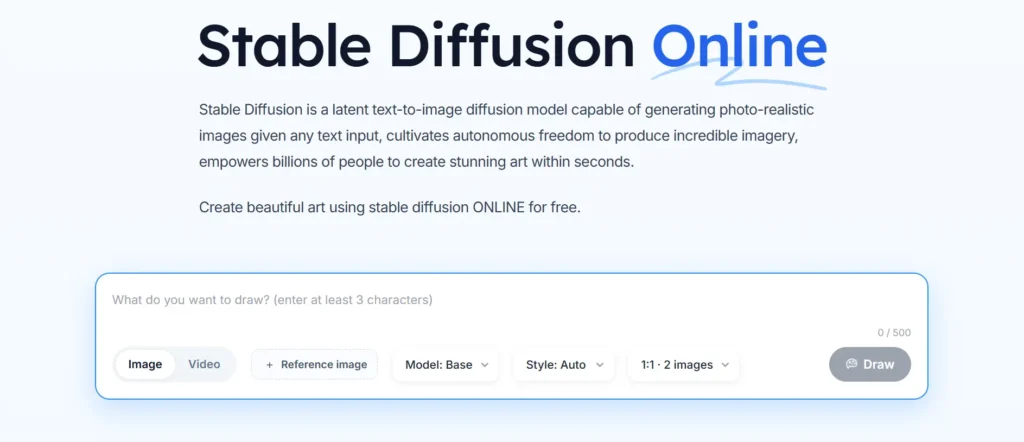
Stable Diffusion is an open-source prompt-based image AI software, loved by developers, artists, and tech-savvy creators.
- Strengths:
- Free and open-source.
- Customizable with plugins and models.
- Can be run locally for privacy.
- Weaknesses:
- Requires technical knowledge.
- Steeper learning curve.
How to Use It & What to Expect:
Unlike other tools, Stable Diffusion can be downloaded and run completely offline on your own computer (if you have a powerful graphics card/GPU). Alternatively, beginners can use it online via platforms like Clipdrop or DreamStudio. It offers unparalleled control, allowing you to use “ControlNet” to copy exact human poses or “Inpainting” to edit specific parts of an image.
Best Used For: Tech-savvy creators, developers, and advanced digital artists who want 100% control over every single pixel, seed number, and aspect ratio for free.
👉 Great choice for users who want full control over AI image generation.
4. Canva AI Image Generator – Best for Social Media & Marketing
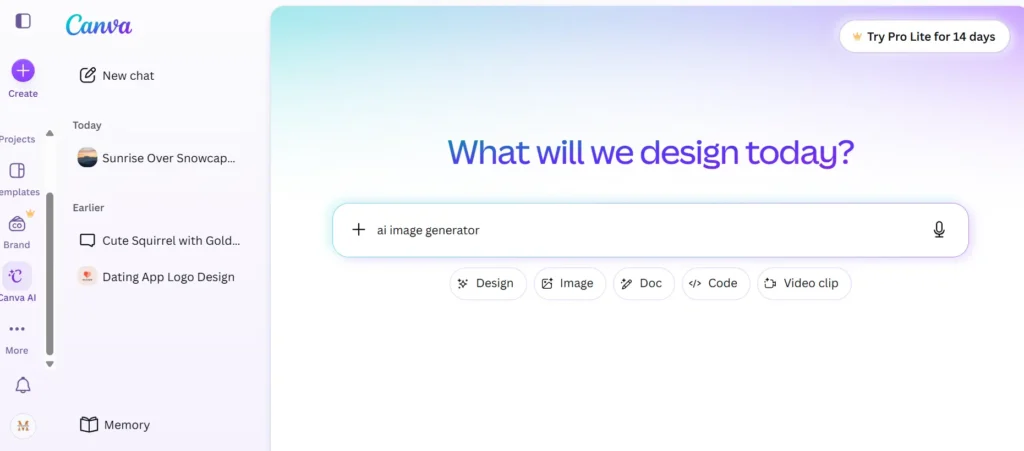
Canva is a go-to design tool, and with its AI-powered image generator, it has become a powerful text-to-image AI platform.
- Strengths:
- Integrated with Canva’s full design suite.
- Perfect for quick marketing visuals.
- Beginner-friendly interface.
- Weaknesses:
- Outputs may look generic compared to MidJourney.
- Limited customization compared to Stable Diffusion.
How to Use It & What to Expect:
To use this, open any Canva design project, click on “Apps” in the left-hand sidebar, and select “Magic Media.” Type your prompt, choose a style (like playful, watercolor, or photo), and hit generate. The best part is that the generated image is instantly added to your Canva canvas, allowing you to immediately add text, logos, or frames.
Best Used For: Social media managers, small business owners, and YouTubers who need quick graphics, banners, and Instagram post elements on the fly.
👉 Best for: An excellent, speedy solution for businesses, marketers, and social media influencers who already use Canva.
5. Adobe Firefly – Best for Professionals
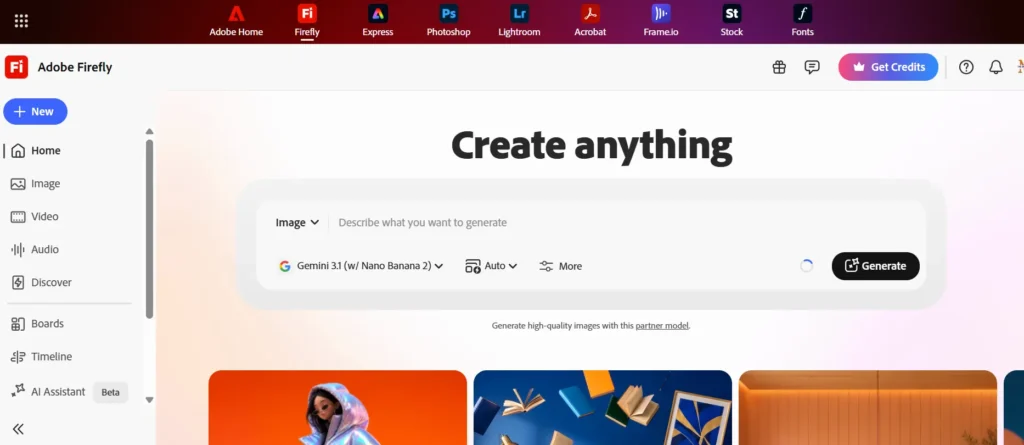
Adobe Firefly is Adobe’s official AI image tool, designed with professionals in mind. It integrates with Photoshop and Illustrator, making it ideal for agencies and brands.
- Strengths:
- Professional, copyright-safe outputs.
- Seamless workflow with Adobe Creative Cloud.
- Great for commercial use.
- Weaknesses:
- Requires a subscription.
- More advanced than what casual users may need.
How to Use It & What to Expect:
Firefly can be accessed on its dedicated web portal or directly inside Adobe Photoshop and Illustrator using the “Generative Fill” tool. You can select an area of your photo with a brush and type what you want to add or remove (e.g., changing a model’s shirt color or adding a sunset background). Because it is trained only on licensed and public domain images, it is completely safe from copyright issues.
Best Used For: Professional graphic designers, advertising agencies, and corporate brands who require legal safety (copyright-safe outputs) and seamless integration with Photoshop.
👉 Verdict: A highly reliable and secure platform trusted by professionals for commercial-safe, high-quality designs.
Comparison Table: Best AI Tools for Image Generation (2026)
| AI Tool | Best For | Strengths | Weaknesses | Pricing (Approx) |
| MidJourney | Artistic & creative art | Unique style, strong community | Needs Discord, not beginner-friendly | $10–$60/month |
| DALL·E | Beginners & casual use | Easy to use, ChatGPT integration | Limited editing | Pay-per-credit |
| Stable Diffusion | Developers & advanced users | Open-source, customizable | Requires technical skills | Free / Hosting cost |
| Canva AI | Marketers & influencers | Easy design integration | Generic outputs | Free + Pro ($12.99/month) |
| Adobe Firefly | Professionals & brands | Copyright-safe, pro integration | Subscription needed | $20+/month |
How We Tested These AI Image Tools
We tested every AI image generator based on:
- Image Quality
- Prompt Accuracy
- Speed
- Ease of Use
- Free Features
- Commercial License
- Editing Options
- Overall Value
How to Choose the Right AI Image Generator
When selecting a 2026 AI image generator, consider:
- Purpose: Do you need casual images or professional brand visuals?
- Ease of use: Beginners should pick text-to-image AI platforms like Canva or DALL·E.
- Customization: If you’re tech-savvy, prompt-based image AI software like Stable Diffusion is ideal.
- Speed: If you want quick results, go for a fast AI image creator online like Canva AI.
- Budget: Free vs. premium subscriptions matter depending on your needs.
Who Should Use This Tool?
Best For
- Bloggers
- Designers
- Students
- YouTubers
- Digital Marketers
- Small Businesses
While AI image generators help create visually engaging content, combining them with the right SEO tools can significantly improve your website’s visibility and organic traffic. To discover the best platforms for keyword research, technical SEO, backlink analysis, and performance tracking, explore our curated list of the Top 10 SEO Tools.
Conclusion
AI has unlocked a new era of creativity. Whether you’re an artist, marketer, or business owner, the best 5 AI tools for image generation in 2026—MidJourney, DALL·E, Stable Diffusion, Canva AI, and Adobe Firefly—offer solutions for every need.
From artistic masterpieces to marketing campaigns, these cutting-edge tools make professional design faster, smarter, and accessible to everyone.
Creating stunning AI-generated images is only the first step toward building a successful online presence. To turn your content into consistent organic traffic, you need a strong SEO strategy, high-quality content, and effective promotion. For actionable tips and proven growth strategies, read our complete guide on How to Get 100K Traffic on Your Website.
👉 Ready to explore the future of digital creativity? Try a fast AI image creator online today and transform your ideas into stunning visuals.
If you’re looking for the best overall AI image generator, ChatGPT and Midjourney are excellent choices. Adobe Firefly is ideal for commercial projects, while Leonardo AI and Ideogram offer excellent free plans. Choose the tool that best matches your workflow, budget, and creative goals.
FAQs
Stable Diffusion remains the top free choice, especially for those with technical skills. Canva also offers limited free AI image generation.
Midjourney and Flux are the undisputed industry leaders for creating highly detailed, photorealistic images that look like real photography.
While Adobe Firefly is also excellent and legally safe for professional realistic edits, tools like DALL·E 3 tend to have a more vibrant, digital-art, or slightly “plastic” vector style and are better suited for creative illustrations than true photorealism.
Adobe Firefly and Canva AI are perfect for professional branding and marketing visuals.
Yes, but check the licensing. Adobe Firefly offers copyright-safe images, while others may have restrictions.
For speed and simplicity, Canva AI and DALL·E are the best.
Decision Table
| If You Want… | Choose |
|---|---|
| Realistic Photos | ChatGPT |
| Artistic Images | Midjourney |
| Commercial Use | Adobe Firefly |
| Text in Images | Ideogram |
| Free Option | Leonardo AI |