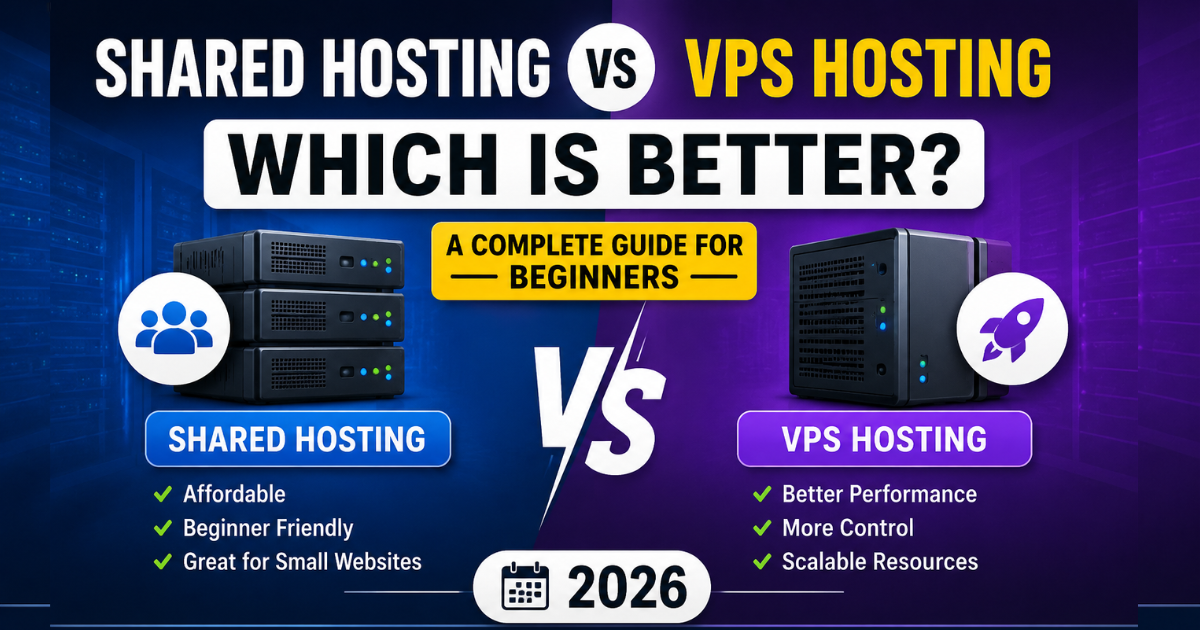
Choosing the right web hosting plan is one of the most important decisions when launching a website.
Most beginners eventually face a common question:
Should I choose Shared Hosting or VPS Hosting?
At first glance, both options appear similar because they store your website files and make them accessible online. However, they differ significantly in terms of performance, security, scalability, pricing, and resource allocation.
If you choose the wrong hosting type, you may experience slow loading speeds, website downtime, or unnecessary expenses.
This guide explains everything you need to know about Shared Hosting and VPS Hosting, including real-world examples, performance differences, pricing comparisons, and expert recommendations.
| ⚡ Feature / Factor | 🏠 Shared Hosting (Hostel Room) | 🏢 VPS Hosting (Private Flat) | 🏆 Best Fit |
|---|---|---|---|
| 💰 Cost & Budget | Very Cheap (Starts ~$1.99-$2.99/mo) | Moderate to High (Starts ~$5-$15/mo) | Shared (Budget) |
| 🚀 Server Resources | Shared CPU & RAM (Neighbor sites affect speed) | Guaranteed Dedicated Allocation (RAM/CPU) | VPS (Power) |
| 🛡️ Security & Control | Basic Security (No root access / customization) | Isolated sandbox environment (Full Root access) | VPS (Secure) |
| 📈 Traffic Handling | Ideal up to 10k-20k monthly visitors | Handles high spikes and heavy concurrent users | VPS (Scaling) |
Prefer watching instead of reading? This video explains the key differences between Shared Hosting and VPS Hosting, including pricing, performance, security, and which option is best for beginners.
Quick Answer
For most beginners, bloggers, and small business websites, Shared Hosting is the better choice because it is affordable, easy to manage, and provides sufficient resources for websites receiving up to 30,000–50,000 monthly visitors.
VPS Hosting is ideal for websites that require dedicated resources, improved performance, enhanced security, and greater control over server configurations.
What is Shared Hosting?
Shared Hosting is a type of web hosting where multiple websites share the same physical server and its resources. Think of it as renting an apartment in a large building.
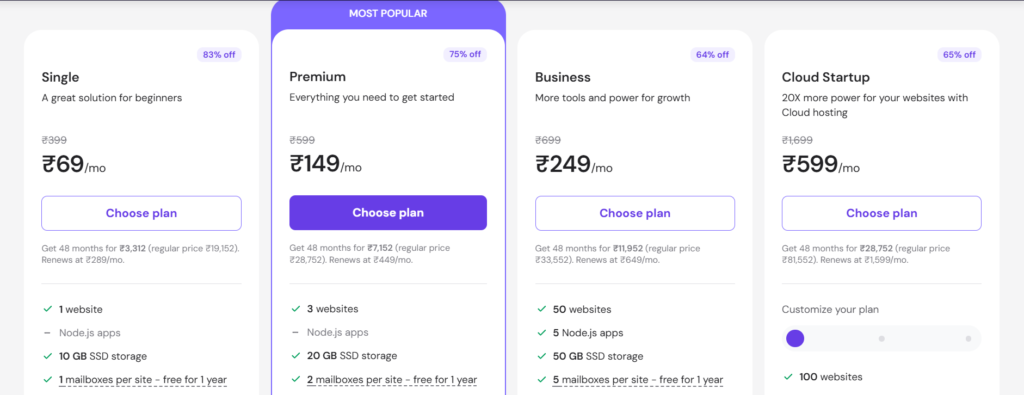
You have your own room, but utilities such as electricity, water, a Hostinger Shared Hosting Plan and internet are shared among all tenants.
Similarly, websites on a shared hosting server share:
- CPU Power
- RAM
- Storage
- Bandwidth
Advantages of Shared Hosting
Affordable Pricing
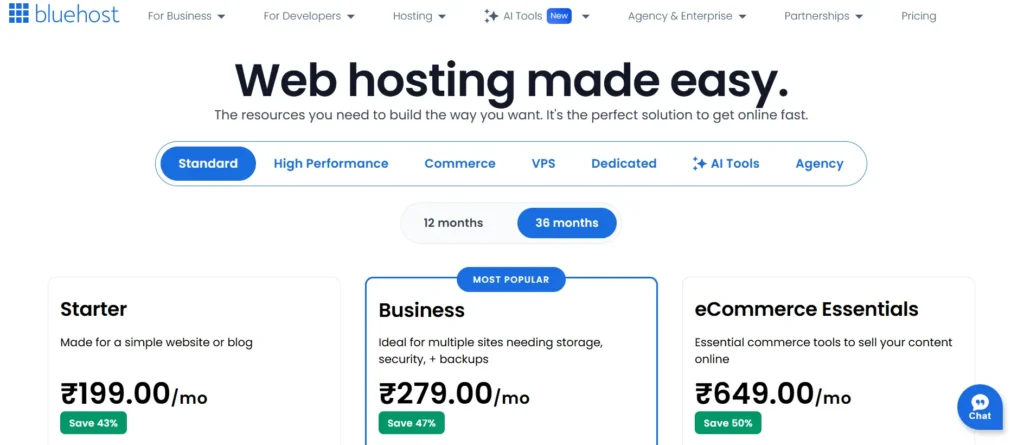
Shared Hosting plans generally start at around $2–5 per month.
This makes them ideal for beginners.
Beginner-Friendly Setup
Most providers include:
- One-click WordPress installation
- Free SSL certificate
- Email accounts
- User-friendly control panels
Managed Maintenance
Hosting companies handle:
- Server updates
- Security patches
- Hardware maintenance
Disadvantages of Shared Hosting
Performance can decrease if neighboring websites consume excessive server resources.
- Limited customization options.
- Restricted root access.
What is VPS Hosting?
VPS stands for Virtual Private Server. A VPS uses virtualization technology to divide a physical server into multiple isolated environments.
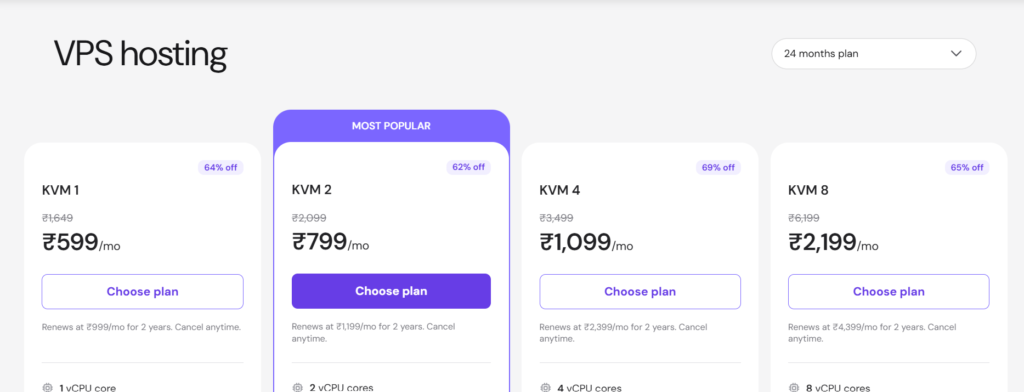
Each VPS receives dedicated resources such as:
- CPU cores
- RAM
- Storage
- Bandwidth
Unlike Shared Hosting, your website’s performance is not significantly affected by other users.
Advantages of VPS Hosting
Better Performance
Dedicated resources improve speed and stability.
Enhanced Security
Server isolation minimizes risks from neighboring websites.
Full Root Access
- Install custom software.
- Modify server settings.
- Configure firewalls.

Scalability
Upgrade CPU, RAM, and storage without migrating your website.
Disadvantages of VPS Hosting
- More expensive.
- Requires technical knowledge.
- Server management responsibilities may increase.
Shared Hosting vs VPS Hosting: Detailed Comparison
| Feature |
🏠 Shared Hosting
Best for Beginners |
⚡ VPS Hosting
For Growing Sites |
|---|---|---|
| 💰 Starting Price | $2–5/month | $5–20/month |
| 🚀 Performance | ⭐⭐⭐ Moderate | ⭐⭐⭐⭐⭐ Excellent |
| 🔒 Security | ⭐⭐⭐ Standard | ⭐⭐⭐⭐⭐ Advanced |
| ⚙ Root Access | ❌ No | ✅ Yes |
| 📈 Scalability | ⭐⭐ Limited | ⭐⭐⭐⭐⭐ High |
| 🛠 Technical Skills | 🟢 Low | 🟡 Medium |
| 👥 Best For | Beginners Bloggers Portfolio Sites | Growing Websites Online Stores Agencies |
Shared Hosting vs VPS Hosting: Performance Comparison
Performance is one of the biggest reasons website owners upgrade to VPS hosting.
Suppose two websites receive 100 visitors simultaneously.

Shared Hosting
- Resources are distributed among many websites.
- Traffic spikes can impact loading times.
VPS Hosting
- Resources remain dedicated.
- Performance stays consistent during high traffic periods.
Security Comparison
- Shared Hosting environments are generally secure.
- However, vulnerabilities on neighboring websites may indirectly affect server stability.
- VPS Hosting offers stronger isolation and additional security configurations.
Pricing Comparison
Shared Hosting
- Monthly Cost: $2–5
- Annual Cost: $24–60
VPS Hosting
- Monthly Cost: $5–20
- Annual Cost $60–240
When Should You Upgrade to VPS Hosting?
Consider upgrading if:
- Your website exceeds 50,000 monthly visitors
- Page speed becomes inconsistent
- You run an eCommerce store
- You need custom server software
- You host multiple websites
Shared Hosting vs VPS for WordPress
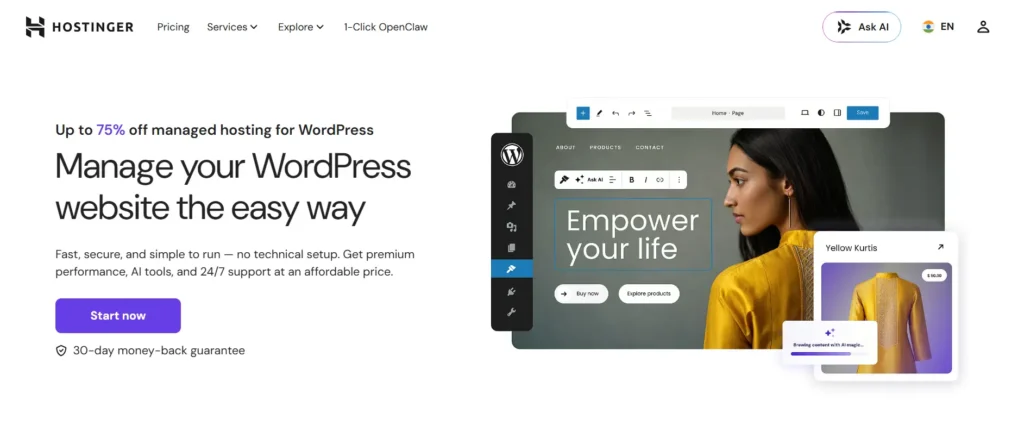
For WordPress users, Shared Hosting works perfectly during the initial growth stage.
- A VPS becomes beneficial when:
- WooCommerce is installed.
- Traffic increases.
- Advanced caching systems are needed.
Real-Life Example
Imagine two businesses.
- Business A receives 10,000 visitors monthly.
- Business B receives 250,000 visitors monthly.
- Business A can comfortably operate on Shared Hosting.
- Business B will likely need VPS Hosting to maintain acceptable loading speeds.
Expert Recommendation
Choose Shared Hosting If
- You are launching your first website.
- You have a limited budget.
- You run a personal blog.
- You manage a portfolio site.
Choose VPS Hosting If
- You own an online store.
- You receive significant traffic.
- You require complete server control.
- You host client websites.
Frequently Asked Questions (FAQs)
A. Yes. Shared Hosting is the most beginner-friendly and affordable hosting solution available.
A. Yes. VPS Hosting provides dedicated resources, resulting in improved performance.
A. Yes. Most hosting providers offer seamless upgrades.
A. For growing websites and businesses, VPS Hosting is often worth the investment.
A. Shared Hosting is sufficient for most new WordPress websites, while VPS Hosting is better for high-traffic sites.
A. Most quality shared hosting plans can support approximately 30,000–50,000 monthly visitors.
A: Yes, VPS hosting is significantly better than shared hosting in terms of performance, security, and customization. In a shared hosting environment, your website’s performance can be affected by the traffic and resource usage of other websites on the same server. In contrast, VPS hosting provides dedicated CPU and RAM resources, ensuring consistently fast loading speeds, improved stability, and greater control over your hosting environment.
How to Map Your Hosting Journey?
If you’re launching a brand-new WordPress blog or a small business landing page, there’s no need to spend money on a VPS right from the start. Instead, you can explore our handpicked list of the Best Web Hosting for Beginners, where you’ll find budget-friendly plans that often include a free domain name for the first year.
However, if your website is already live, generating revenue through Google AdSense or an eCommerce store, and experiencing crashes due to sudden traffic spikes, it’s time to upgrade to a reliable Managed VPS Hosting solution without delay.
Additionally, after installing WordPress on your new hosting setup, be sure to follow our SEOquake Plugin Guide to track competitor traffic and live keywords for free. This will help ensure that your new server not only delivers excellent speed but also achieves higher rankings in search engine results.
Conclusion
Shared Hosting and VPS Hosting each serve different purposes. For beginners, bloggers, and small business owners, Shared Hosting remains the most practical choice due to its affordability and simplicity.
VPS Hosting becomes valuable as your website grows and requires dedicated resources, improved security, and greater scalability.
For most first-time website owners in 2026, starting with Shared Hosting and upgrading to VPS Hosting later is usually the smartest and most cost-effective approach.