AI has become a useful study companion for college students. From explaining difficult concepts and creating study notes to researching topics, improving writing, and practicing questions, the right AI tools can save time and make learning more effective. In this guide, we have selected the 7 best free AI tools for college students in India in 2026 and explained what each tool does, who should use it, and how students can use it effectively.
But with hundreds of AI tools available, students may wonder: Which AI tools are actually useful for studying, assignments, notes, and research?
Quick Answer: Some of the best free AI tools for college students include ChatGPT, Google Gemini, Microsoft Copilot, NotebookLM, Perplexity, Canva AI, and Grammarly. The best choice depends on whether you need help with studying, research, writing, notes, presentations, or assignments.
Best Free AI Tools for College Students in India
| AI Tool | Best For | Free Option | Ideal Use |
| ChatGPT | Learning & assignments | Yes | Explanations, brainstorming, practice |
| Google Gemini | Research & studying | Yes | Questions, summaries, ideas |
| Microsoft Copilot | Writing & productivity | Yes | Research, writing, productivity |
| NotebookLM | Notes & research | Yes | PDFs, notes, study material |
| Perplexity | Research | Yes | Finding information |
| Canva AI | Presentations & designs | Yes | PPTs, posters, projects |
| Grammarly | Writing | Yes | Grammar and writing improvement |
1. ChatGPT – Best Overall AI Tool for Students
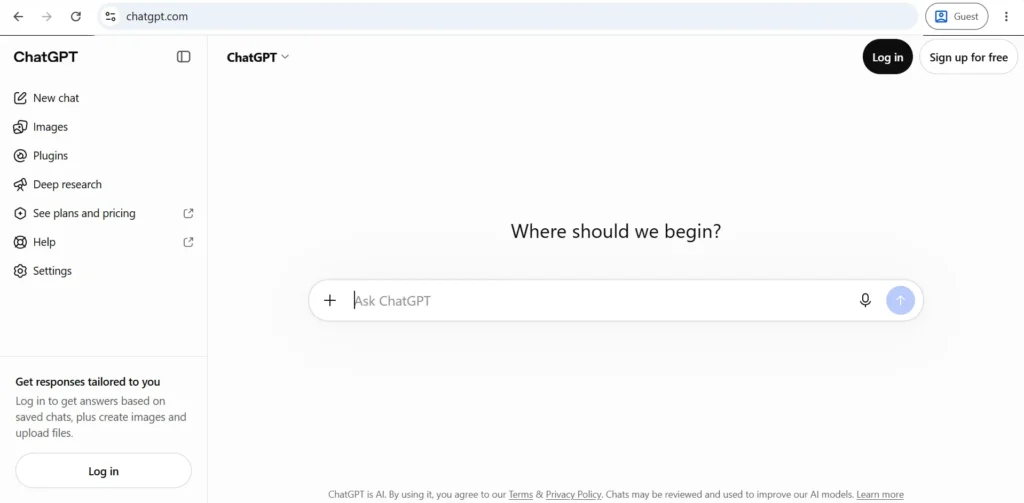
ChatGPT is one of the most versatile AI tools for college students. It can explain complicated topics in simple language, help students brainstorm ideas, create practice questions, and assist with writing.
How students can use ChatGPT
You can use it for:
- Understanding difficult subjects
- Creating study notes
- Generating quiz questions
- Practicing interviews
- Brainstorming project ideas
- Improving writing
- Creating study plans
- Explaining technical concepts
- Learning programming
- Preparing for exams
Example prompt
Instead of asking:
“Explain photosynthesis.”
Try:
“Explain photosynthesis to a first-year college student in simple language. Use an everyday example and then give me 5 MCQs to test my understanding.”
This gives you a more useful learning experience.
Best for
Overall studying, explanations, brainstorming, and practice.
2. Google Gemini – Best for Everyday AI Assistance
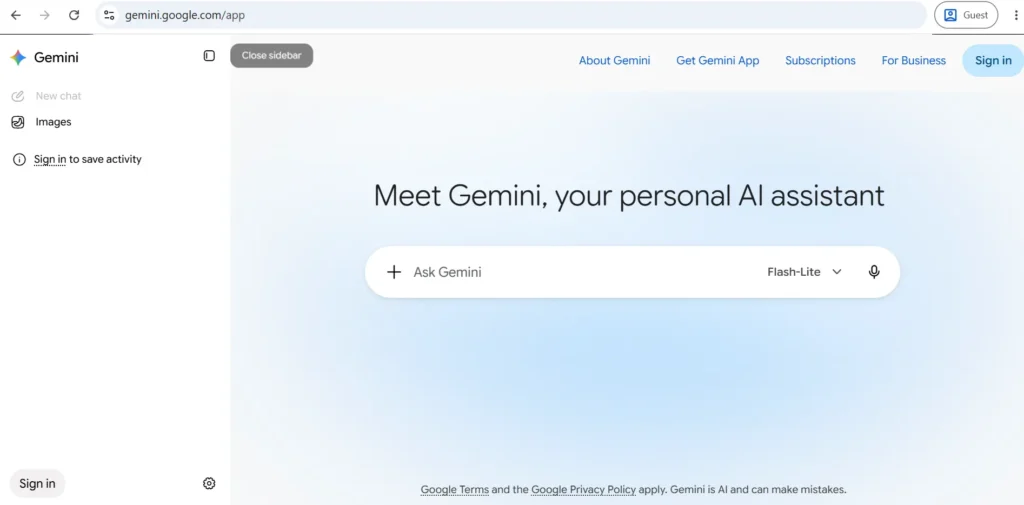
Google Gemini is another useful AI assistant for students. It can help with explanations, brainstorming, writing, summarizing information, and solving different types of questions.
Students can use it when they need a quick explanation or want to explore ideas for an assignment or college project.
How students can use Gemini
Some useful applications include:
- Explaining academic concepts
- Brainstorming project topics
- Summarizing information
- Creating outlines
- Writing assistance
- Generating questions
- Learning new subjects
- Getting ideas for presentations
Best for
General-purpose AI assistance and study support.
3. NotebookLM – Best AI Tool for Notes and Study Material
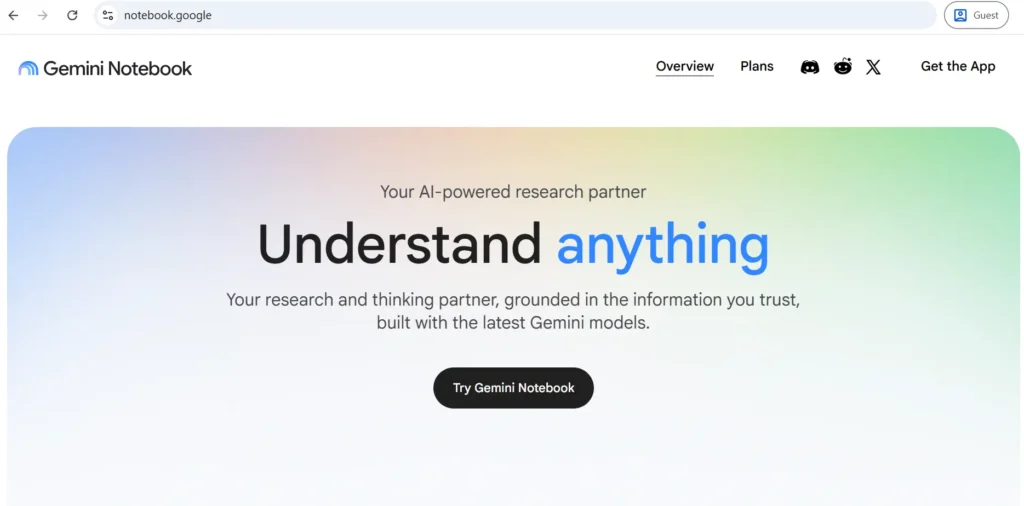
NotebookLM is particularly useful when you already have study material and want AI to help you understand it.
For example, you may have:
- College PDFs
- Lecture notes
- Research papers
- Study guides
- Course documents
You can use NotebookLM to work with those sources and ask questions about the material.
Why students may find NotebookLM useful
Instead of asking a general AI tool about a subject, you can work with your own study material.
For example:
“Summarize this chapter in simple language and create 15 important questions for my exam.”
You can also ask for:
- Chapter summaries
- Important points
- Questions and answers
- Study guides
- Explanations
- Revision material
Best for
Students who regularly study from PDFs, notes, and other course materials.
4. Perplexity – Best AI Tool for Research
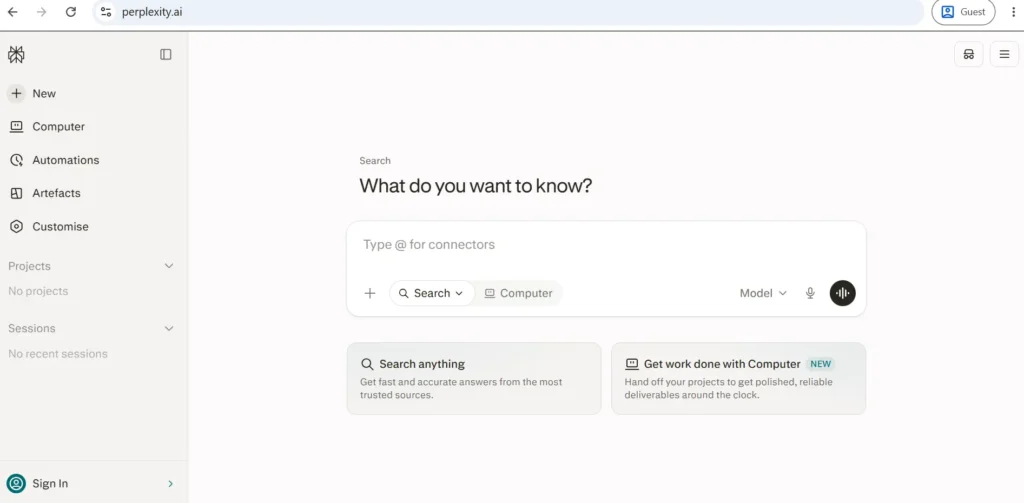
Research is an important part of college assignments and projects. Perplexity can help you explore a topic and find information from online sources.
It combines AI-generated answers with web-based information and sources, making it useful for research-oriented queries.
Students can use Perplexity for:
- Project research
- Topic exploration
- Finding sources
- Understanding current topics
- Comparing information
- Creating a starting point for research
Important Tip
Don’t blindly copy an AI-generated answer into your assignment.
Always:
- Open the cited sources.
- Verify important facts.
- Check the publication date.
- Compare information from multiple reliable sources.
- Write the final answer in your own words.
Best for
Research and finding sources for academic projects.
If you are also interested in using artificial intelligence for website optimization and keyword research, check out our guide to the best AI SEO tools.
5. Microsoft Copilot – Best for Productivity
Microsoft Copilot can be useful for students who regularly work with documents, presentations, and other productivity tasks.
It can help students brainstorm ideas, improve writing, summarize information, and perform various everyday AI-assisted tasks.
Useful applications for students
You can use AI assistance for:
- Assignment brainstorming
- Writing improvement
- Summarization
- Project ideas
- Presentation planning
- Research assistance
- Productivity tasks
Best for
Students looking for an AI assistant for everyday productivity and writing.
6. Canva AI – Best for College Presentations
College students frequently need to create presentations, posters, social media designs, and project visuals.
Canva makes this easier with AI-powered design features.
Instead of designing everything from scratch, students can use AI-assisted tools to generate ideas and create visual content.
Students can use Canva for:
- College presentations
- Project posters
- Infographics
- Presentation graphics
- Social media designs
- Resume designs
- Educational visuals
Example
Suppose your project topic is:
“Impact of Artificial Intelligence on Education.”
You can use Canva to create a presentation structure and visual elements around the topic, then review and customize the content yourself.
Best for
Presentations, college projects, and visual content.
Students who want to create images, graphics, thumbnails or other AI-generated visuals for college projects can also explore our guide to the best AI tools for image generation.
7. Grammarly – Best AI Tool for Writing
Good writing is important for college assignments, emails, reports, and applications.
Grammarly can help students identify grammar, spelling, and writing issues.
Students can use Grammarly for:
- Assignment proofreading
- Grammar correction
- Email writing
- Improving clarity
- Correcting spelling
- Professional writing
- Resume and application writing
Best for
Improving grammar, clarity, and overall writing quality.
How to Choose the Best AI Tool for College
Choosing the best free AI tools for college students in India 2026 depends on your specific requirements. Some tools are better for studying and research, while others are more useful for writing, presentations, notes, and productivity.
The best AI tool depends on what you want to accomplish.
For studying
Choose ChatGPT or Gemini for explanations, brainstorming, and practice.
For PDFs and lecture notes
Choose NotebookLM to work with your study material.
For research
Choose Perplexity to start discovering information and sources.
For presentations
Choose Canva AI for creating visual projects and presentations.
For writing
Choose Grammarly to improve grammar and readability.
For general productivity
Microsoft Copilot can be useful for everyday writing and productivity tasks.
AI Tools for Digital Marketing Students
Students interested in digital marketing can also explore our guide on popular AI tools for digital marketing to discover tools used for SEO, content creation, social media, and marketing automation.
Best AI Tools for Students: Quick Comparison
| Need | Recommended AI Tool |
| Learn difficult concepts | ChatGPT |
| General AI assistance | Google Gemini |
| Study PDFs | NotebookLM |
| Online research | Perplexity |
| Productivity | Microsoft Copilot |
| Presentations | Canva AI |
| Grammar correction | Grammarly |
| Project brainstorming | ChatGPT / Gemini |
| Study questions | ChatGPT |
| Visual projects | Canva AI |
How to Use AI Tools for Studying Effectively
AI should be treated as a study assistant, not a replacement for learning.
Here are some practical ways to use AI effectively.
1. Ask AI to explain difficult concepts
If your textbook explanation is difficult, ask AI to explain the topic using simpler language.
2. Create practice questions
Ask AI to create MCQs, short-answer questions, or interview-style questions based on your syllabus.
3. Create revision notes
Give AI your notes and ask it to identify the most important concepts.
4. Use the Socratic learning method
Instead of asking AI for the final answer, ask it to guide you through the problem step by step.
For example:
“Don’t give me the answer immediately. Ask me questions that help me solve this problem myself.”
This can make AI more useful for actual learning.
5. Verify important information
AI systems can sometimes produce incorrect or outdated information.
For academic work, verify important facts using:
- Textbooks
- University resources
- Government websites
- Research papers
- Trusted educational websites
Best AI Prompts for College Students
The quality of your AI output often depends on how clearly you describe your task.
Here are some useful prompts.
For understanding a topic
Explain [TOPIC] in simple language for a college student. Give me a real-world example and 5 key points to remember.
For exam preparation
Create a 7-day study plan for [SUBJECT] based on these topics: [TOPICS]. Include daily revision and practice questions.
For revision
Turn these notes into concise revision notes. Highlight definitions, important concepts and facts I should remember for an exam.
For practice
Create 20 multiple-choice questions about [TOPIC]. Don’t show the answers until I attempt them.
For research
Help me research [TOPIC]. Give me the main subtopics I should investigate and suggest reliable types of sources I should check.
For presentations
Create a 10-slide presentation outline about [TOPIC]. Include an introduction, key points, examples, conclusion, and sources section.
Are Free AI Tools Enough for College Students?
Yes, free AI tools can be enough for many everyday college tasks, including learning concepts, brainstorming, basic research, writing improvement, note-making and presentation planning.
However, free plans may have limitations such as usage limits, restricted features, or access to fewer advanced capabilities.
Before paying for an AI subscription, students should first determine whether the free version meets their requirements.
Is It Safe for Students to Use AI for Assignments?
AI can be useful for assignments, but students should use it responsibly.
Don’t simply copy and submit AI-generated content as your own work.
A better approach is to use AI to:
- Understand the topic
- Brainstorm ideas
- Create an outline
- Find areas that need research
- Improve grammar
- Generate practice questions
- Review your draft
Then verify the information and create your final submission yourself.
Also follow your college or university’s AI-use policy.
Explore More Digital Marketing Tools
AI is becoming an important part of modern marketing. If you want to explore more tools for SEO, analytics, email marketing, social media, and content creation, check out our complete guide to digital marketing tools.
Final Verdict: Which Is the Best Free AI Tool for College Students?
There isn’t one AI tool that is perfect for every student. The best free AI tools for college students in India 2026 depend on what you want to accomplish.
ChatGPT is a strong all-round choice for learning, explanations, brainstorming, and practice. NotebookLM is particularly useful for working with study material, while Perplexity can help with research. For presentations, Canva AI is useful, and Grammarly can help improve writing.
The smartest approach is to use different AI tools for different tasks rather than depending on one tool for everything.
Most importantly, use AI to learn faster and understand better—not to avoid learning.
Frequently Asked Questions (FAQs)
Some useful free AI tools for college students include ChatGPT, Google Gemini, NotebookLM, Perplexity, Microsoft Copilot, Canva AI, and Grammarly. The best tool depends on whether you need help with studying, research, notes, writing, or presentations.
ChatGPT and Google Gemini are useful for understanding difficult concepts, creating practice questions, and brainstorming study ideas. NotebookLM can be particularly useful when studying from your own PDFs and notes.
NotebookLM is a useful option for students who want to work with PDFs, lecture notes, and other study materials. ChatGPT can also help turn information into summaries and revision notes.
Perplexity can be useful for researching topics and discovering sources. Students should still open and verify the sources before using information in academic work.
Yes, students can use ChatGPT for brainstorming, understanding concepts, creating outlines, practicing questions, and improving drafts. However, students should follow their institution’s AI policy and avoid submitting unverified AI-generated content as their own work.
Many AI tools offer free versions, although features and usage limits can vary. Students should check the current plan and limitations before relying on a particular tool.
No. AI can act as a study assistant, but it cannot fully replace teachers, classroom interaction, expert guidance, practical experience, and independent learning.
Key Takeaway
If you are a college student in India, start with one or two AI tools instead of trying to use dozens of them. Use AI to understand concepts, practice questions, organize notes, and improve your work while keeping fact-checking and independent thinking at the center of your learning.