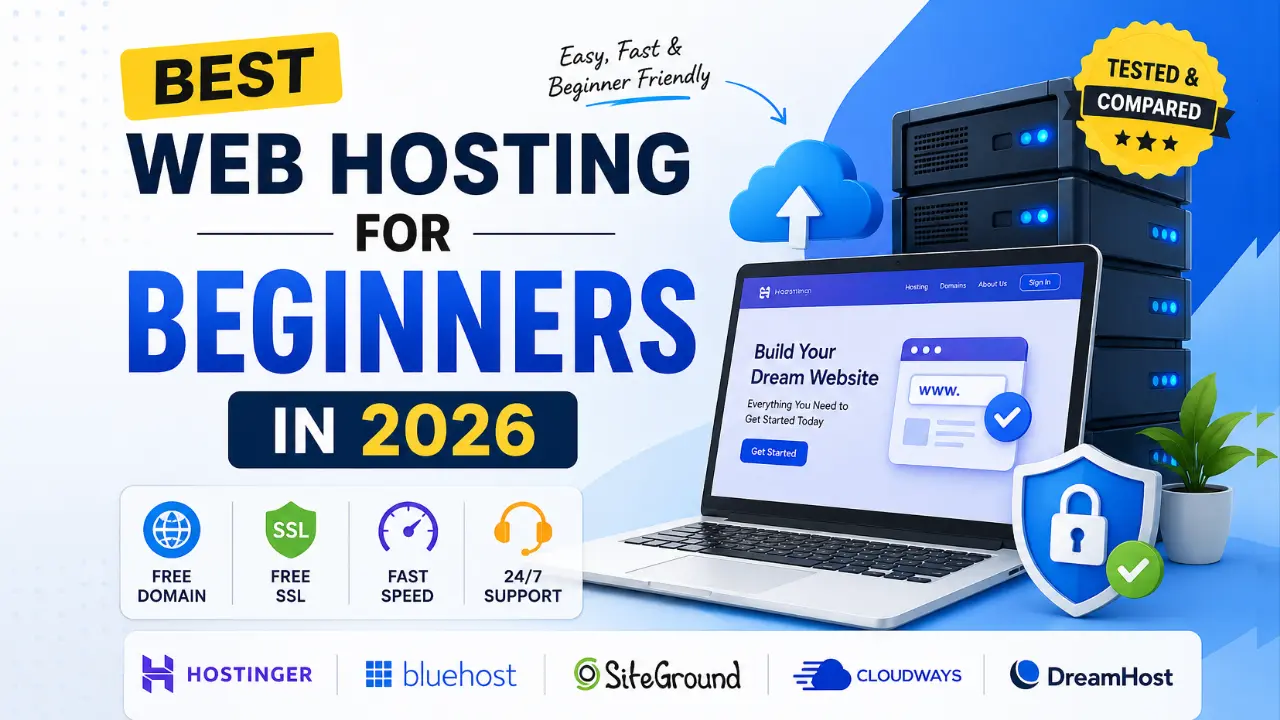
If you’re looking for the best web hosting for beginners in 2026, Hostinger is our top recommendation because it offers affordable pricing, an easy-to-use dashboard, free SSL, free email accounts, excellent performance, and beginner-friendly customer support.
For users who prefer a hosting provider officially recommended by WordPress, Bluehost is another excellent option.
| 🌐 Recommended Host | Starting Price | Key Beginner Benefit | Free Domain? |
|---|---|---|---|
| 🚀 Hostinger (Most Popular) | ~$2.99 / mo | Cheapest & Easy hPanel | ✅ Yes (1 Year) |
| 🛡️ Bluehost (WP Recommended) | ~$2.95 / mo | Official Integration | ✅ Yes (1 Year) |
| ⚡ SiteGround (Premium Speed) | ~$2.99 / mo | Top-tier Support & Speed | ❌ No |
Quick Recommendation
- Best Overall: Hostinger
- Best for WordPress: Bluehost
- Best for Businesses: SiteGround
- Best Budget Option: DreamHost
- Best Managed Cloud Hosting: Cloudways
Best Web Hosting Providers for Beginners in 2026
| Hosting Provider | Starting Price | Free Domain | Free SSL | Ease of Use | Best For |
| Hostinger | $2.69/month | Yes | Yes | ⭐⭐⭐⭐⭐ | Beginners |
| Bluehost | $2.95/month | Yes | Yes | ⭐⭐⭐⭐⭐ | WordPress Users |
| SiteGround | $3.99/month | No | Yes | ⭐⭐⭐⭐ | Small Businesses |
| Cloudways | $11/month | No | Yes | ⭐⭐⭐ | Developers |
| DreamHost | $2.59/month | Yes | Yes | ⭐⭐⭐⭐ | Bloggers |
Why Choosing the Right Hosting Matters
Most beginners think purchasing a domain name is enough to launch a website.
Unfortunately, that’s not true.
A website requires three essential components:
- Domain Name
- Web Hosting
- Content Management System (CMS)
Web hosting is the service that stores your website files and makes them accessible to visitors around the world.
A poor hosting provider can cause problems such as:
- Slow page loading speeds
- Frequent downtime
- Security vulnerabilities
- Poor customer support
- Difficulty scaling your website
According to industry studies, even a one-second delay in page load time can negatively impact conversions and user experience.
For beginners, selecting a hosting provider with a simple interface and reliable support can save countless hours of frustration.
How We Tested Hosting Providers
Unlike many review websites that simply copy specifications from official websites, we evaluated hosting providers using practical criteria.
Our Testing Factors
1. Ease of Use
Can someone with zero technical experience set up a website?
2. Pricing
Are renewal rates reasonable?
Does the company offer transparent pricing?
3. Performance
Average page load speed
Server response time
Uptime guarantee
4. Customer Support
24/7 Live Chat
Knowledge Base
Response Time
5. Beginner Features
Free SSL Certificate
One-click WordPress Installation
Email Hosting
Free Domain Name
Automatic Backups
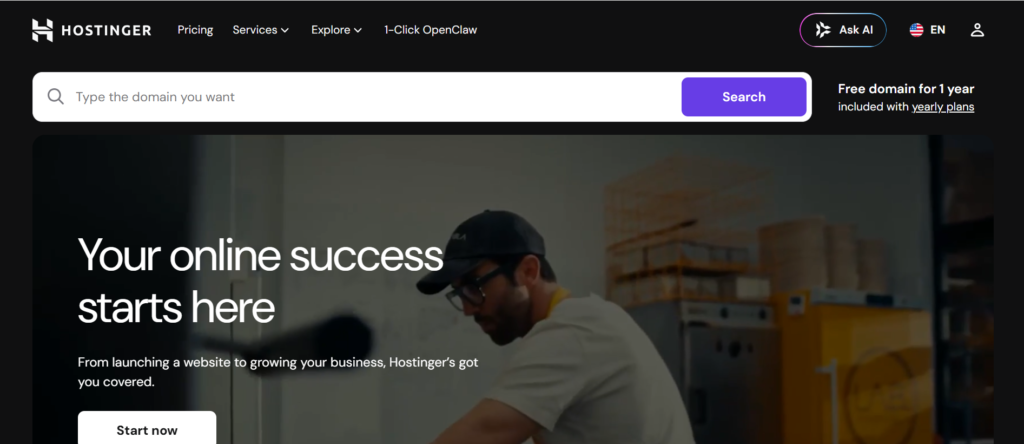
1. Hostinger – Best Overall Hosting for Beginners
Rating: ⭐⭐⭐⭐⭐ (4.9/5)
Best For:
- New bloggers
- Affiliate marketers
- Small business owners
- Portfolio websites
- Students
Why We Recommend Hostinger
Hostinger has become one of the fastest-growing hosting companies worldwide. Its biggest advantage is simplicity.
Instead of using traditional cPanel, Hostinger offers its custom-built dashboard called hPanel.
Even first-time users can manage domains, emails, databases, and WordPress installations without any technical knowledge.
Key Features
- Free Domain (selected plans)
- Free SSL Certificate
- Free Email Accounts
- LiteSpeed Servers
- Weekly Backups
- WordPress Acceleration
- Malware Scanner
Pros
- Affordable introductory pricing
- Easy-to-use interface
- Excellent uptime
- Fast customer support
- Beginner-friendly setup process
Cons
✔ Renewal prices are higher
✔ Daily backups available only on premium plans
Who Should Buy Hostinger?
Hostinger is ideal if you:
- Are launching your first website
- Have a limited budget
- Need simple website management
- Want better performance than traditional shared hosting
2. Bluehost – Best Hosting for WordPress Beginners
Rating: ⭐⭐⭐⭐⭐ (4.7/5)
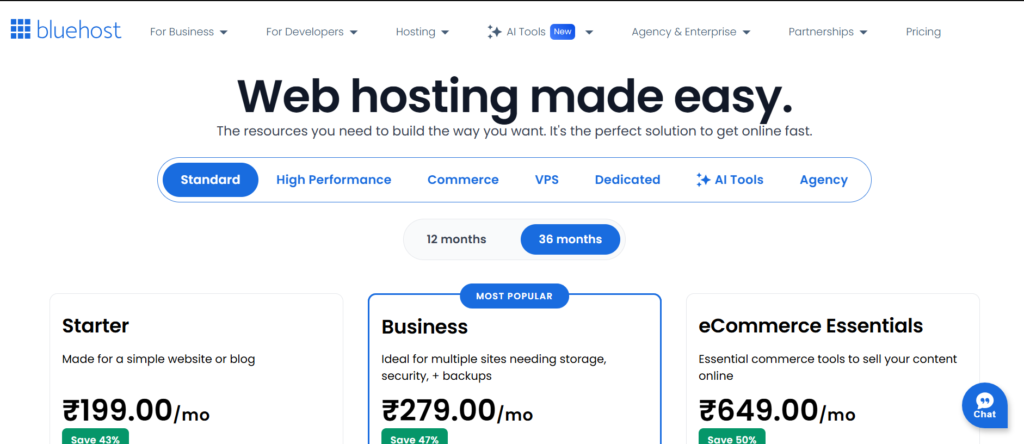
Bluehost remains one of the most popular hosting providers in the United States.
It is particularly attractive because it has long been recommended by WordPress.
Many users choose Bluehost because the setup process is straightforward.
You can purchase hosting, register a domain, and install WordPress within a few minutes.
Bluehost Features
- Free Domain for One Year
- Free SSL Certificate
- One-click WordPress Installation
- AI Website Builder
- 24/7 Support
Advantages
- Beginner-friendly interface
- Trusted brand reputation
- Excellent integration with WordPress
- Easy migration tools
Disadvantages
- Higher renewal costs
- Website migration is not free
3. SiteGround – Best Hosting for Small Businesses
Rating: ⭐⭐⭐⭐ (4.6/5)
SiteGround focuses heavily on performance and security.
Although it costs slightly more than Hostinger and Bluehost, many small businesses prefer SiteGround because of its premium infrastructure.
Features
- Google Cloud Infrastructure
- Free SSL
- Daily Backups
- CDN Integration
- Managed WordPress Updates
Advantages
- Excellent customer support
- High uptime
- Strong security features
Drawbacks
- No free domain
- More expensive than competitors
Which Hosting Provider Should Beginners Choose?
If you’re still confused, here’s a simple recommendation.
You Choose Hostinger if:
- You want the cheapest option.
- You are building a personal blog.
- You need an easy dashboard.
Choose Bluehost if:
- You love WordPress.
- You prefer a trusted US-based brand.
- You plan to grow a content website.
Choose SiteGround if:
- You run a business website.
- Performance is your top priority.
- You expect higher traffic volumes.
Expert Verdict
For most beginners in 2026, Hostinger offers the best balance of affordability, features, and ease of use.
Bluehost remains an excellent alternative for WordPress users, while SiteGround is better suited for businesses that prioritize premium performance.

4. DreamHost – Best Affordable Hosting for Long-Term Projects
Rating: ⭐⭐⭐⭐☆ (4.5/5)
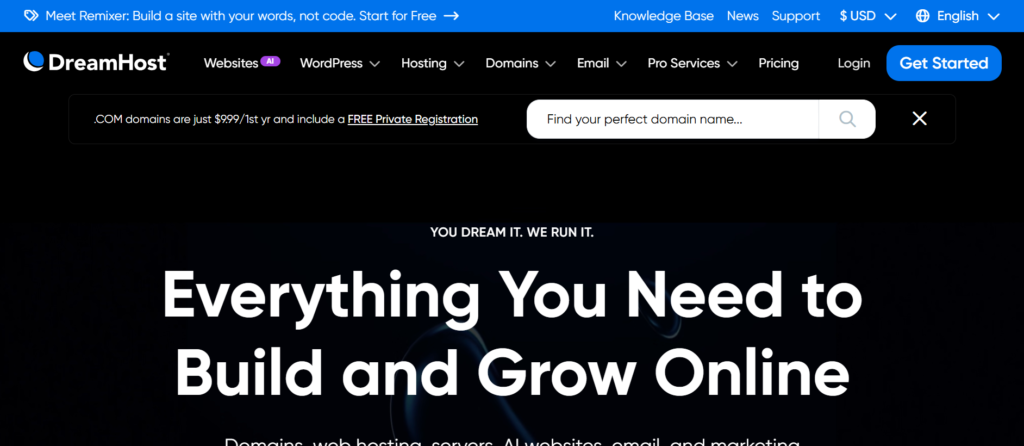
DreamHost is one of the oldest web hosting companies in the industry and has earned a reputation for transparency, reliability, and beginner-friendly plans.
Unlike many providers that lock users into complicated renewal structures, DreamHost offers predictable pricing and a generous money-back guarantee.
Key Features
- Free Domain Name
- Free SSL Certificate
- Unlimited Traffic
- SSD Storage
- Automated Daily Backups
- Custom Hosting Control Panel
Pros
- Affordable long-term plans
- Beginner-friendly dashboard
- 97-day money-back guarantee
- Unlimited bandwidth
Cons
- No phone support included
- Custom dashboard may require some adjustment
5. Cloudways – Best Managed Cloud Hosting
Rating: ⭐⭐⭐⭐☆ (4.6/5)
Cloudways is quite different from traditional shared hosting providers.
Instead of renting resources on shared servers, Cloudways allows users to deploy websites on cloud infrastructures such as:
- DigitalOcean
- AWS
- Google Cloud
- Vultr
Cloudways is ideal for users expecting rapid website growth.
However, complete beginners may find it slightly overwhelming.
Features
Managed Security
- Free SSL
- Dedicated Resources
- Staging Environment
- Automatic Backups
- Cloudflare CDN Integration
Pros
- Excellent speed
- Scalable infrastructure
- High uptime
- Advanced caching
Cons
- No free domain
- Higher monthly pricing

How to Choose the Best Hosting for Beginners
Most beginners purchase hosting based solely on price.
That is usually a mistake.
Before purchasing hosting, consider these factors.
1. Ease of Use
A hosting company should provide:
- One-click WordPress installation
- Simple dashboard
- Easy file management
- Email account setup
Hostinger and Bluehost perform exceptionally well here.
2. Loading Speed
Google uses page experience signals as ranking factors.
A slow hosting provider can affect:
- Organic rankings
- Bounce rate
- User engagement
- Conversion rate
Try choosing hosts that offer:
- LiteSpeed Servers
- Built-in caching
- Cloudflare CDN
3. Customer Support
Beginners inevitably encounter technical issues.
Look for hosting providers offering:
- 24/7 Live Chat
- Ticket Support
- Knowledge Base
- Video Tutorials
4. Free Security Features
Your hosting plan should include:
- Free SSL Certificate
- Malware Protection
- Automatic Backups
- Firewall Protection
5. Renewal Costs
Many companies advertise hosting for:
- $2/month
- but renew at
- $10–15/month
Always verify renewal pricing before checkout.
Shared Hosting vs VPS vs Managed Hosting
| Feature | Shared | VPS | Managed WordPress |
| Price | Low | Medium | High |
| Performance | Medium | High | Very High |
| Technical Knowledge | Low | Medium | Very Low |
| Scalability | Limited | Excellent | Excellent |
| Beginner Friendly | Yes | No | Yes |
Shared Hosting
Best for:
- Blogs
- Portfolio websites
- Small websites
VPS Hosting
Best for:
- eCommerce websites
- Membership platforms
- High traffic sites
Managed WordPress Hosting
Best for:
- Agencies
- Businesses
- Professional bloggers
7 Mistakes Beginners Make When Buying Hosting
1. Purchasing the Cheapest Plan
Cheap hosting often means:
- Slow servers
- Limited resources
- Aggressive upsells
2. Ignoring Renewal Pricing
- Introductory offers can be misleading.
- Always check renewal costs.
3. Choosing Hosting Without Backups
Backups can save thousands of dollars in recovery expenses.
4. Not Activating SSL
- Google labels websites without HTTPS as insecure.
5. Ignoring Uptime Guarantees
- Choose providers offering at least
- 99.9% uptime
6. Purchasing Add-ons You Don’t Need
Many beginners unnecessarily buy:
- Premium email
- SEO packages
- SiteLock
- Extra domains
7. Not Checking Customer Support
- Fast support is essential when your website experiences issues.
Our Final Recommendation
Best Overall
🥇 Hostinger
- Best balance of affordability and ease of use
- Ideal for bloggers
- Excellent performance
Best for WordPress Users
🥈 Bluehost
- WordPress-friendly interface
- Trusted reputation
Best Premium Choice
🥉 SiteGround
- Excellent support
- Premium infrastructure
Ready to Launch Your Website?
Starting a website in 2026 is easier than ever. For most beginners, Hostinger provides the best combination of price, features, and usability.
If you’re planning to create a blog, affiliate website, online portfolio, or small business site, choosing the right hosting provider today can save hundreds of dollars and countless hours later.
🚀 Start Your Website Today
Get affordable hosting with a free domain, SSL certificate, and one-click WordPress installation.
Check Latest Hostinger DealsNext Steps After Choosing Your Web Hosting
Once you have selected the best web hosting according to your budget and set up your domain name, your blogging journey truly begins. Simply purchasing hosting is not enough. To design your new WordPress site, track traffic, and promote your content effectively, you’ll need the right tools. To give your website a professional touch, be sure to explore our handpicked list of Digital Marketing Tools. Additionally, you can monitor your blog’s keyword density and on-page SEO health for free by following our SEOquake Plugin Guide, helping your new blog gain better visibility and rank higher in search engines from the very beginning.
Why Trust The Maurya Sir?
We evaluated hosting providers based on pricing, features, ease of use, performance, customer support, and beginner-friendly tools. Our recommendations are independently researched and updated regularly to reflect changes in hosting plans and industry trends.
Frequently Asked Questions (FAQS)
Hostinger is considered the best web hosting for beginners in 2026 because it combines affordable pricing, free SSL certificates, free email accounts, excellent uptime, and an easy-to-use control panel. Bluehost is another strong choice for WordPress users.
Yes. Shared hosting is the best option for most beginners because it is inexpensive, easy to manage, and suitable for blogs, portfolio websites, and small business sites.
A free domain is not mandatory, but it can save around $10–20 during your first year and simplify the website setup process.
Bluehost and DreamHost have historically been listed among hosting providers recommended by WordPress.
Most beginner-friendly hosting plans range between $2 and $5 per month during the initial term. Renewal prices are usually higher.
Yes. Hosting impacts website speed, uptime, Core Web Vitals, and user experience, all of which can indirectly influence search engine rankings.
Hostinger is an excellent choice for affiliate marketers because of its low pricing, fast servers, free SSL, and beginner-friendly dashboard.
For new bloggers, Hostinger is one of the best and most affordable hosting providers. Its entry-level plan is highly budget-friendly and includes a free domain name for one year, a free SSL certificate, and an easy-to-use hPanel, making it ideal for beginners.